

Watch the Crimson Desert stream on Twitch for rewards!
Reward Drops
-
60 Min. Watched
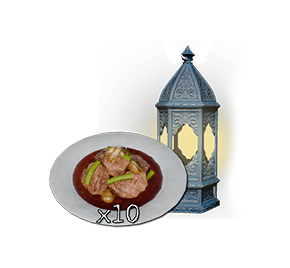
Braised Meat x10
Blue Scout Lantern -
120 Min. Watched
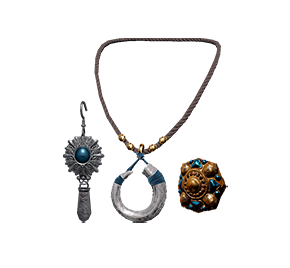
Blue Scout Earring
Blue Scout Ring
Blue Scout Necklace -
180 Min. Watched
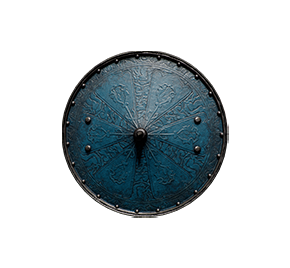
Blue Scout Shield
-
300 Min. Watched
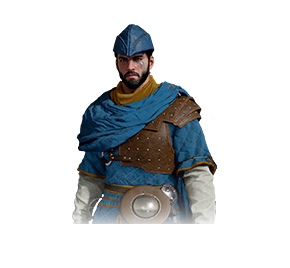
Blue Scout Cloak
Blue Scout Armor
Blue Scout Hat


-
60 Min. Watched
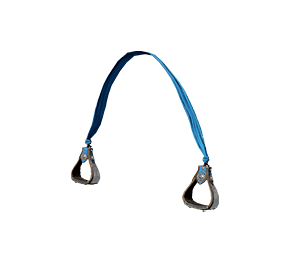
Blue Scout Stirrups
-
120 Min. Watched
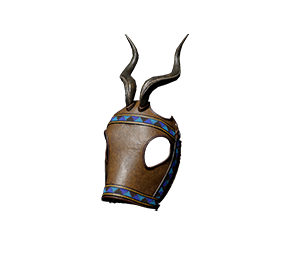
Blue Scout Champron
-
180 Min. Watched
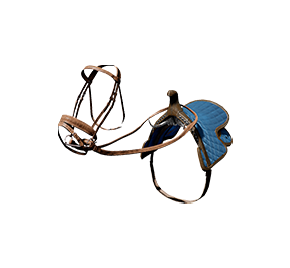
Blue Scout Saddle


How to Earn Drops
-

Watch Crimson Desert Stream
Watch a Twitch channel where Twitch Drops are enabled.
-

Collect Drops
Check the progress from your Twitch Inventory.
Click "Claim Now" to collect the drops you've received. -

Log in
Log in to the Twitch account on which you have the drops to receive the reward coupon.
Rewards will be sent directly in-game if you select Steam.


Check My Rewards
Log in to check out the rewards.
FAQs
-
Twitch Drops is content from which you can obtain in-game rewards from watching ongoing Crimson Desert streams from Twitch.
-
No, you can participate in the Twitch Drops campaign without purchasing a Crimson Desert edition.
However, you can claim the rewards in-game with a Crimson Desert edition in possession. -
No, any stream of a contents creator under the category of Crimson Desert on Twitch will be counted towards the Twitch Drops watch time.
However, watching more than one channel at the same time will not allow you to claim the Drop faster. -
You must select a desired platform through this page after claiming the reward from the Twitch Drops Inventory.
For Steam, you can receive the reward immediately in-game, and for other platforms, (PS5, Xbox, Epic Games) you'll receive a coupon code. You can claim the item in-game once you register the coupon code in each respective platform.
Go to Menu > Others > Options > Add-On/Add-Ons to check out the rewards received. -
When you watch a stream of a content creator participating in the Twitch Drops, you'll get a notification every time you can claim a Drop. You can check the progress through the Twitch Drops Inventory.
-
Click the "Use Coupon" button on the right of the coupon to register a coupon on each respective platform.
Please note the following if you wish to register on a console device.
1. Go to the PlayStation Store.
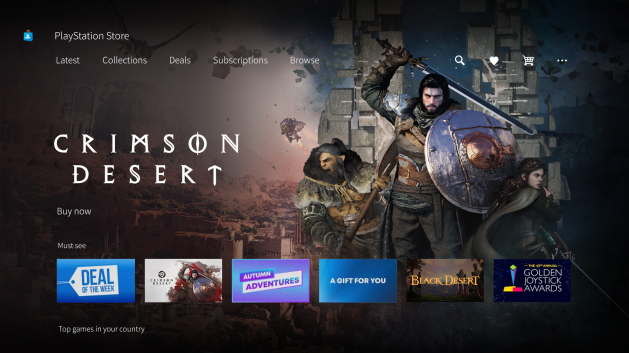
2. Tap the menu icon in the top right, then select Redeem Code.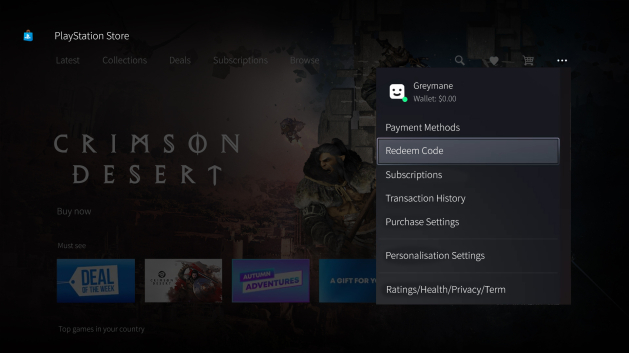
3. Enter the 12-digit code.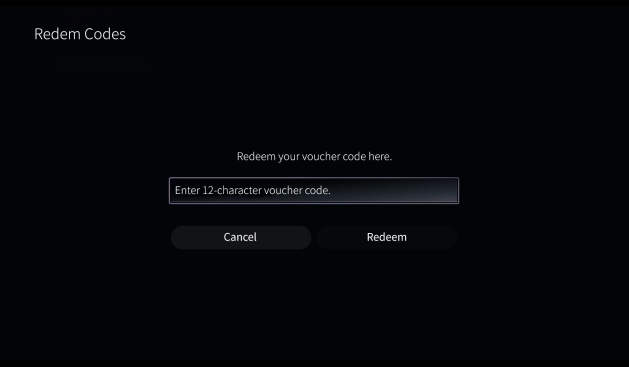
-
Click the "Use Coupon" button on the right of the coupon to register a coupon on each respective platform.
Please note the following if you wish to register on a console device.
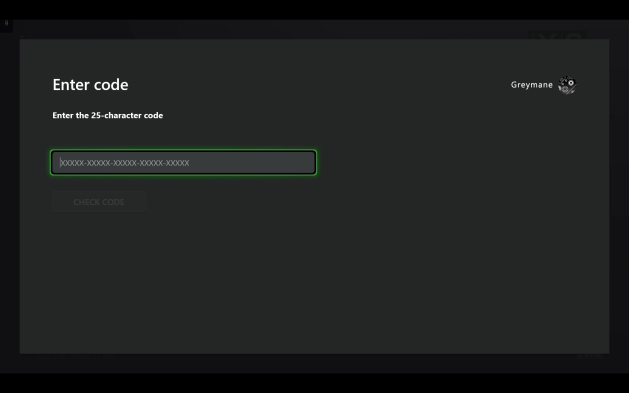
1. Go to the Store, then select Redeem code in the left menu.
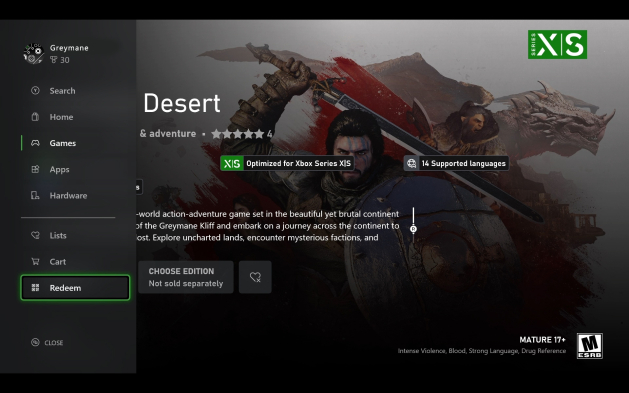
2. Enter the 25-character code.
-
Go to Others → Options → Add-On/Add-Ons and refresh or restart the game to check the rewards claimed from the registered code.
If you do not see the rewards after registering the code or refreshing, please contact customer support of each respective platform.
PlayStation Support
Xbox Support
Steam Support
Epic Games Store Support
-
Click the "Log out" button, delete cookies, or exit all browsers that are open to log in to another Twitch account.
-
Even if you have multiple game accounts, you cannot receive duplicate Twitch Drops.
-
You cannot switch platforms once you receive the coupon code. Please carefully select the platform you actually will play the game on.
-
Contact Twitch Support if you have issues with claiming the reward after watching the Twitch Drops stream.


